

Finding the right no-coding website builder is crucial when you are running a location-independent business from a laptop or mobile device.
If you want to start a travel blog without pulling your hair out over complex software, you need something highly intuitive.
That is why I run my site using the Jimdo Creator, a brilliant DIY website builder with SEO tools built right in.
It gives you the perfect balance of creative control and absolute simplicity, allowing you to maintain a mobile-friendly responsive website in a flash so you can get back to exploring the world!

Simple, Modular Editing from Anywhere
What I love most about Jimdo is how visual and straightforward the editing process is, even when I am working from a tablet or phone.
Instead of fighting with complex backend code, the interface lets me manage my layout using clean, modular blocks.
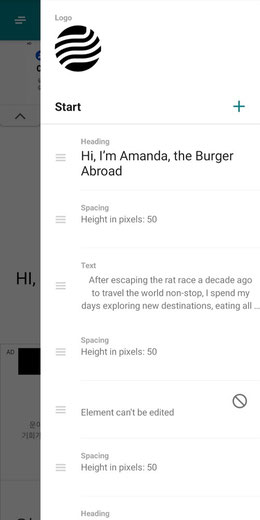
- Precise Control: I can easily adjust spacing down to the exact pixel height to keep the design clean and minimalist.
- Instant Updates: Adding a new heading, text, or layout change takes seconds, meaning I can update my site during a train ride or while sitting in a cafe.
- Blog on the Go: I can write, edit, and publish new posts directly from my mobile device, making it effortless to keep my travel blog updated from anywhere in the world.
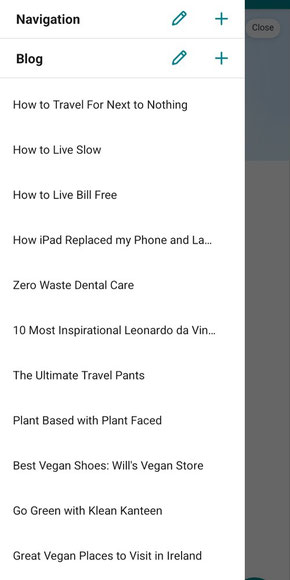
For a minimalist nomad, a website should be a tool that serves you, not a chore that keeps you glued to a desk—which is perfect, because I don't even have a desk!
Jimdo takes the friction out of web maintenance, leaving you with a sleek site and more time to enjoy the journey!